One search across the AI chats you open.
Remember an answer but not which assistant gave it? Search conversations saved from ChatGPT, Claude and Gemini in one place. Your archive starts after installation. Reopen older conversations to add their visible messages. Chat content stays on your computer.
- ChatGPT
- Claude
- Gemini
- Local conversation storage
Your first search: after installing, open a chat and let its messages load. Click the extension icon or press Alt+Shift+F, then search for a word you remember. Scroll through older messages to capture them too.
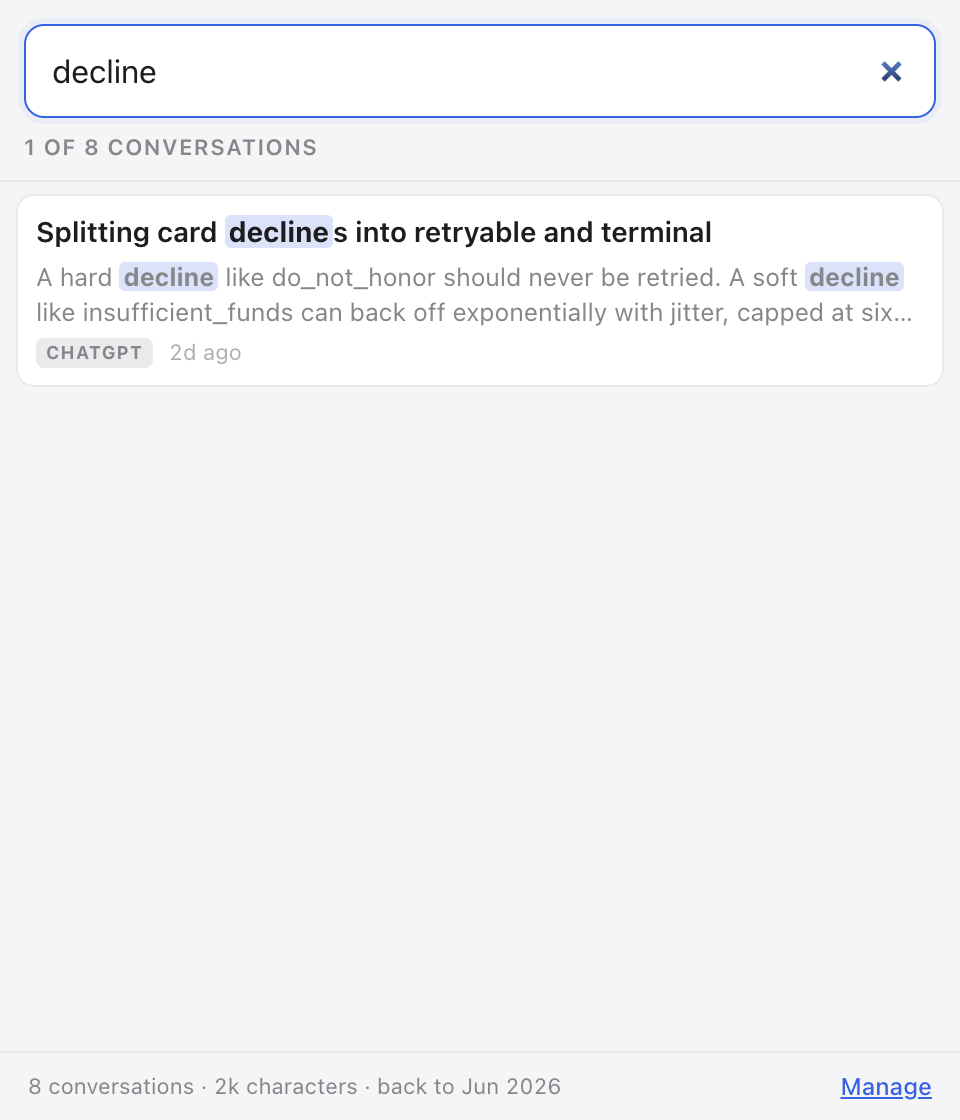
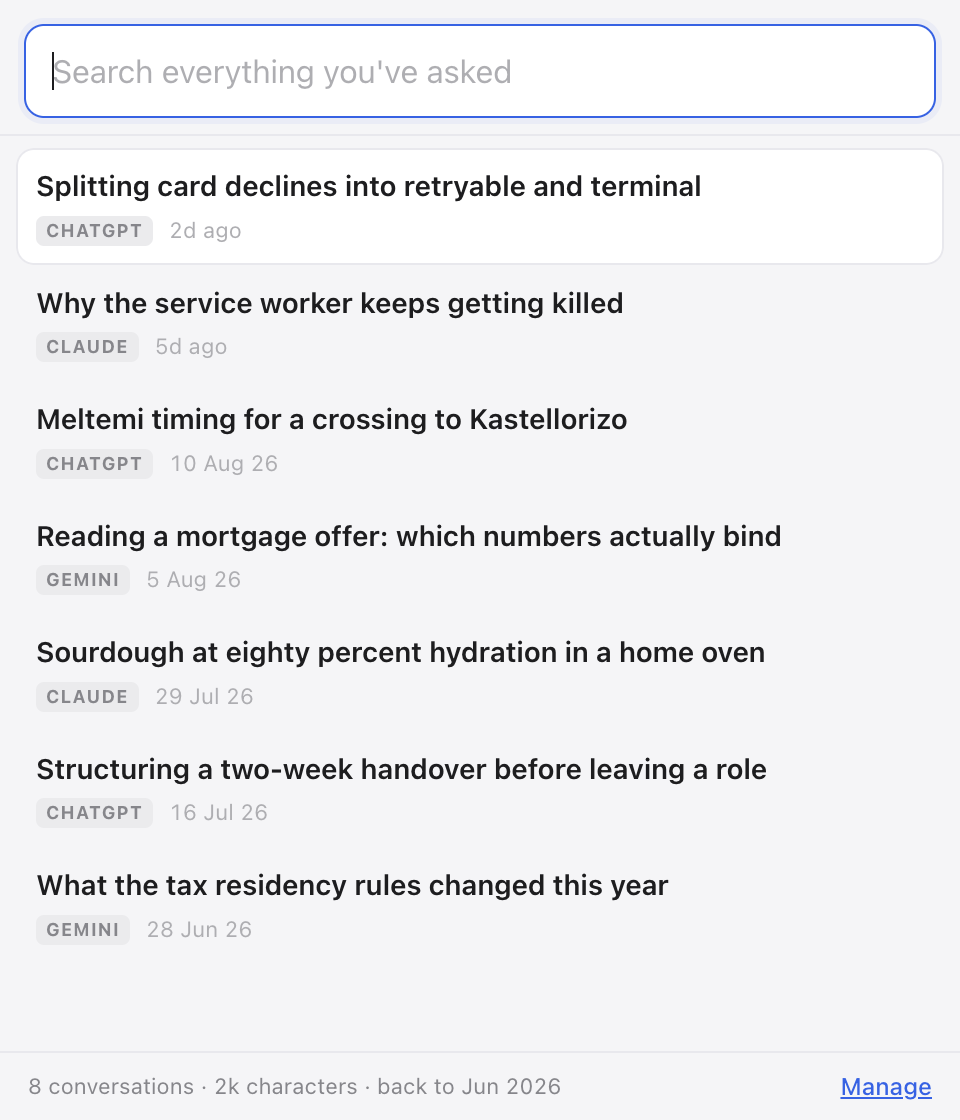
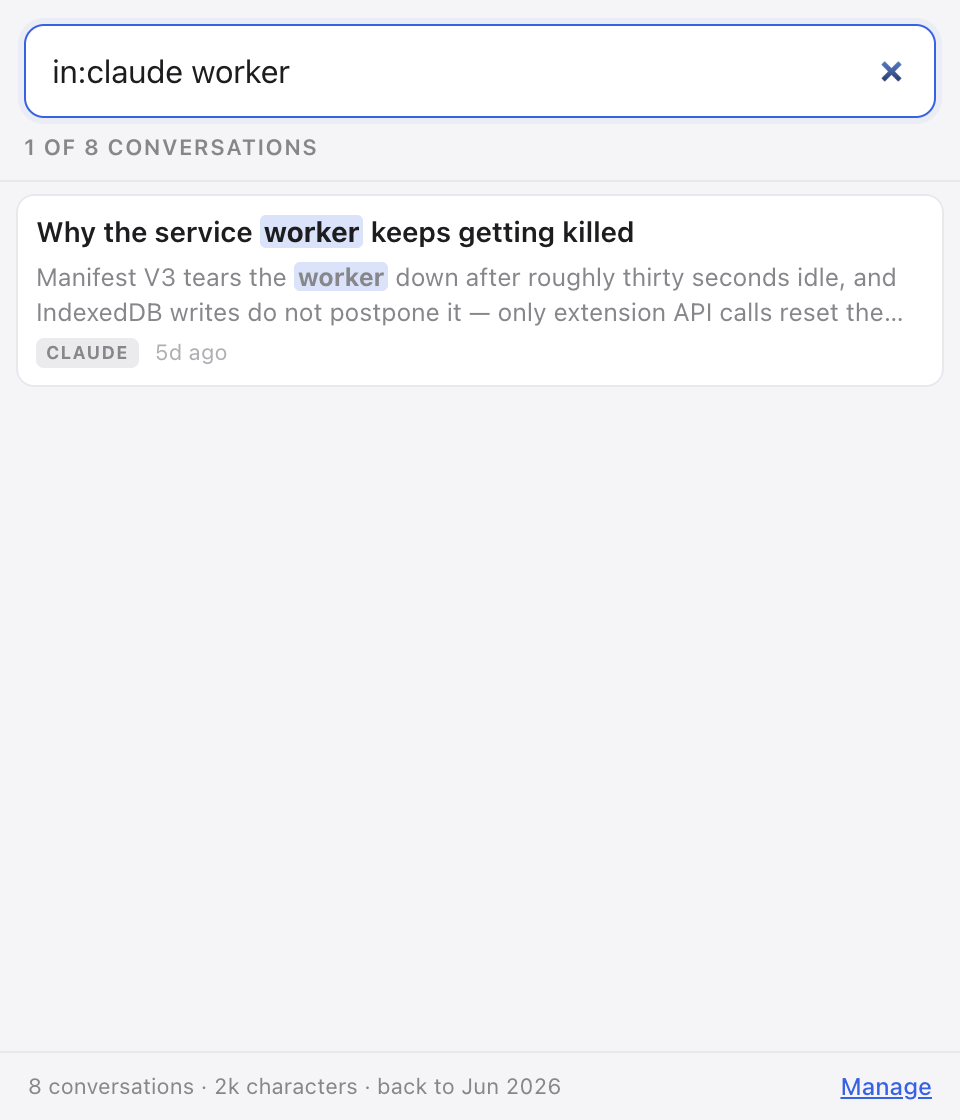
The interface in these captures is the real one. The entries inside it are made up: a screenshot of a real archive would be somebody's private history, which is the thing this product exists to keep private.
What the paid version adds
Free search reaches the last 90 days. $6.99 once removes the date limit.
Before you install
Do my conversations leave the machine?
No. The product makes one kind of network request — licence activation, right after a purchase or when you press Activate — and it carries the licence key and nothing else. Nothing about your conversations is in it. As with any web request, the licence server sees your IP address. The build script refuses to package if a network call appears in any of the five files that handle your conversations.
How does it read the conversations?
It reads the pages you already have open on the three assistants' own sites. There is no API key, no login of ours, and no access to an account you have not opened yourself.
Does it search all my existing chats immediately?
No. Open a conversation on a supported service to save the messages visible on that page. Older chats are not imported automatically. If the service loads more messages as you scroll, open that part of the conversation too.
What if I only use one assistant?
Try that service's built-in history search first. This extension is intended for a local search across conversations captured from several services.